How to Take a Good Photo for Face Shape Analysis
Want to know your face shape?
Upload a clear front-facing photo to see your closest match and the visible reasoning.
Find your face shape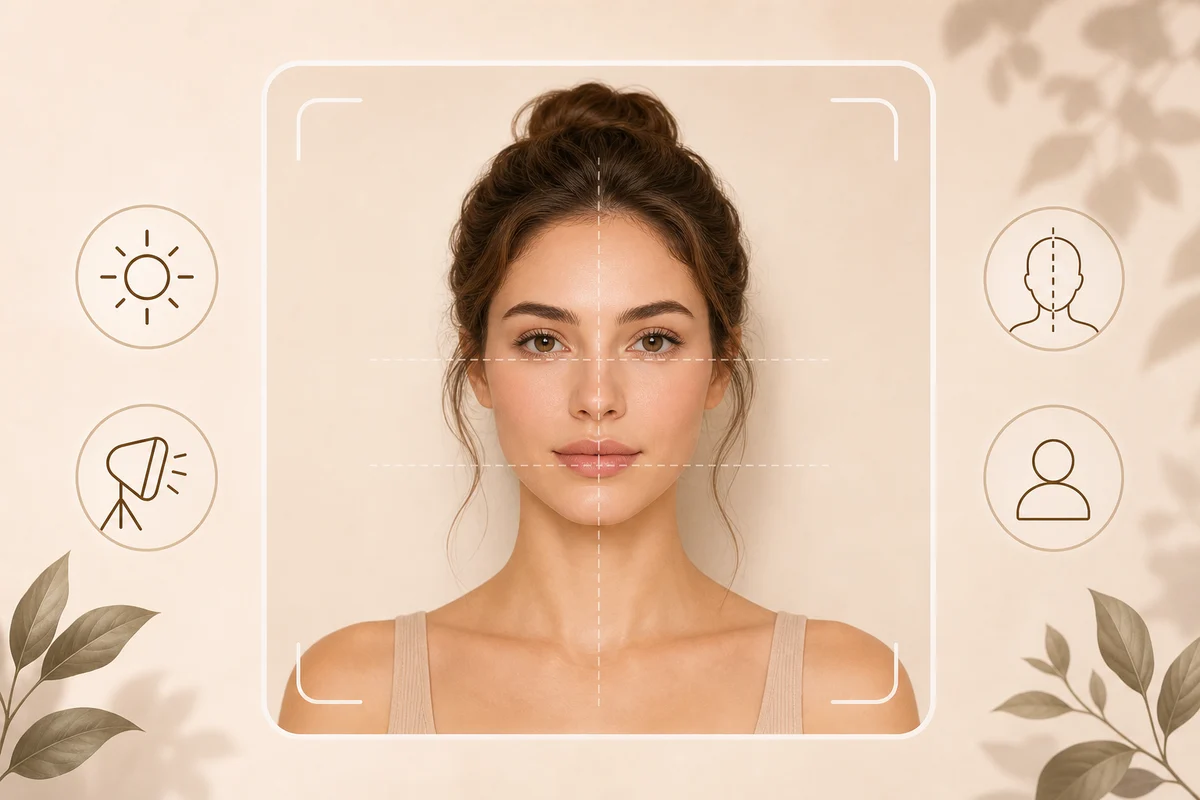
If your face-shape result feels off, the photo is often the first thing to check. A clear photo helps the system read visible proportions such as face length, cheekbones, jawline, and chin shape more consistently.
You do not need a studio setup. You only need one clear, front-facing photo before using the Face Shape Detector.
Quick answer
Use a front-facing photo with even light, your full face visible, a neutral expression, and only one person in the frame. Avoid side angles, strong filters, sunglasses, heavy shadows, and cropped faces. A better photo can make the result more useful, but it does not turn face-shape analysis into an exact measurement.

Photo reference: clear light, front-facing angle, full face visible, and one person in frame.
Main explanation
Face-shape analysis depends on visible structure. If the camera is too high, the forehead can look larger. If it is too low, the jaw can look stronger. If the face is turned, one cheekbone or jaw side may look wider than the other.
Lighting also matters. Strong side light can hide one edge of the face. Heavy beauty filters can blur jawline and cheekbone signals. Hair, hats, masks, and sunglasses can block the outline that the result needs to interpret.
Practical examples
Stand near a window or use soft indoor light. Hold the camera around eye level. Keep your head straight, relax your expression, and make sure the full face from hairline area to chin is visible. If you wear glasses, remove them for the analysis photo, then use the glasses guide after you know your closest face-shape match.
What to avoid
Avoid side profiles, mirror photos at strong angles, group photos, dramatic shadows, face coverings, and photos where hair hides most of the jawline. Avoid assuming a low-confidence result means the whole idea is useless. Sometimes the next best step is simply uploading a clearer image.
Related guides
Read Why Your Face Shape Result May Look Like More Than One Shape, compare Face Shapes, or start directly with the Face Shape Detector.
Get a personalized result
Upload one clear front-facing photo and FaceFit can show your closest face-shape match with optional hairstyle or glasses guidance.
FAQ
Do I need professional lighting?
No. Soft, even light is enough. Avoid harsh shadows across one side of the face.
Can I upload a side profile?
A side profile is not ideal for face-shape analysis because it hides width and symmetry signals.
Should I smile?
A relaxed expression is usually better because a wide smile can change cheek and jawline appearance.
Want to know your face shape?
Upload a clear front-facing photo to see your closest match and the visible reasoning.
Find your face shape